

NCCA124: Computer Applications
This course introduces fundamental computer concepts and practical skills across nine sub-modules: introduction to computers, operating systems, desktop main menu, word processing, printing/scanning/copying, internet and e-mail, MS Excel and basic networking. Learners will gain conceptual understanding and hands-on practice to perform common tasks, manage files, create documents, use spreadsheets, communicate online and maintain basic system and network security.

This course gives you practical computer skills and the conceptual knowledge needed for everyday tasks and workplace productivity. You will learn to use operating systems, manage files, create and format documents, work with spreadsheets, print/scan/copy, communicate by e‑mail, browse the web safely, and understand basic networking and security. The emphasis is on hands‑on practice so you can do these tasks confidently on your own.
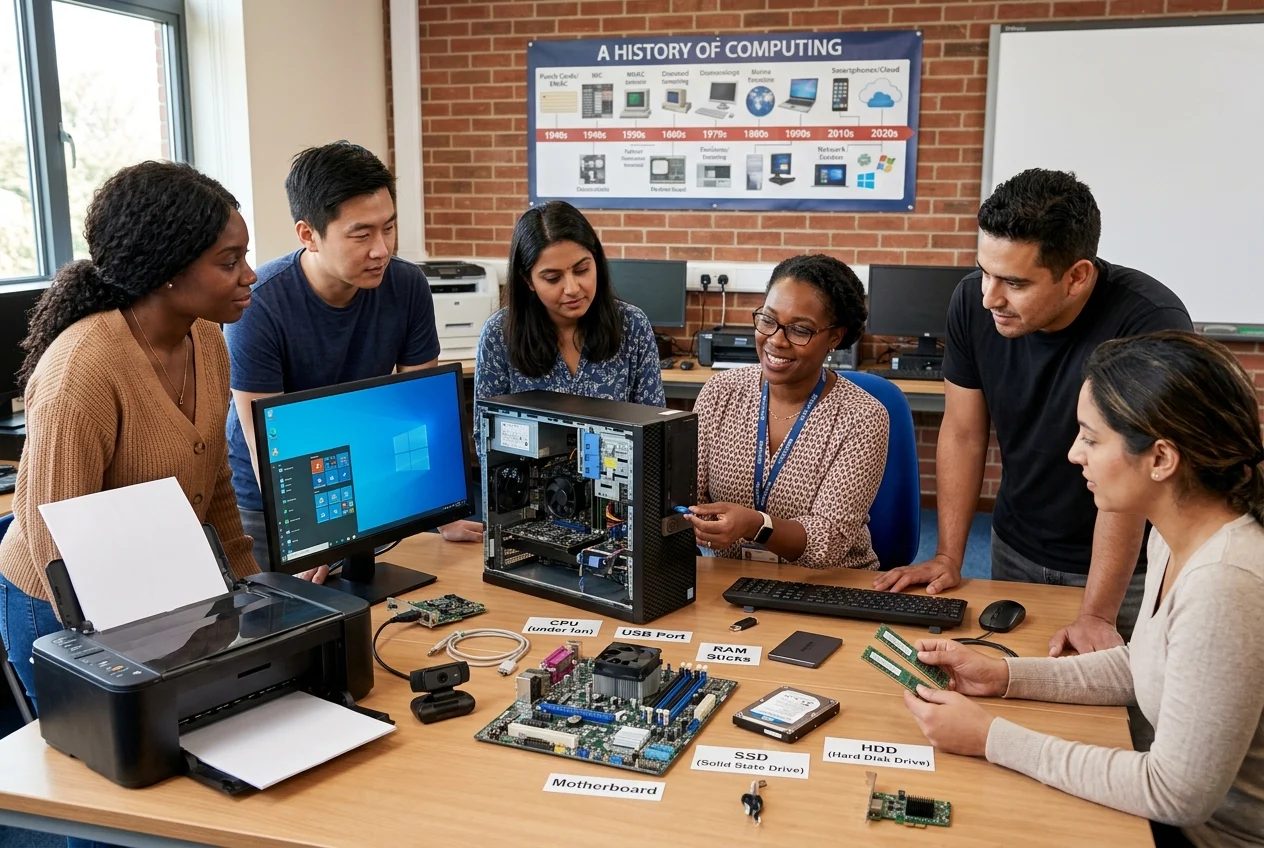
What you will be able to do
- Start, shut down and manage a computer and user accounts.
- Organise, copy, back up and restore files and folders.
- Create, format and secure professional documents.
- Use spreadsheets for calculations, simple analysis and charts.
- Set up and use printers, scanners and basic copier functions.
- Send, receive and manage e‑mail and attachments.
- Search the web effectively and protect your privacy online.
- Understand basic network concepts and follow good security practices.
How the course is delivered
- Short, focused lessons with clear explanations and step‑by‑step practical exercises.
- Demonstrations, guided tasks and short quizzes to check understanding.
- Practical assignments that mirror common real‑world tasks.
Assessment and outcomes
- Assessment includes quizzes and practical tasks. Successful completion leads to a course certificate.
- Practice and assessment are designed to show you can perform common computer tasks reliably and securely.
Requirements
- Basic reading and typing ability.
- Access to a computer with an operating system (Windows, macOS or Linux) and an office suite (MS Office, LibreOffice or equivalent).
- Internet access for online activities, e‑mail and research.
Tips for success
- Follow the exercises on your own computer as you study.
- Save and back up your work regularly.
- Ask questions in the LMS forum or from your facilitator if you get stuck.
Support and accessibility
- Course materials include accessibility guidance and alternative formats where needed. Contact your facilitator through the LMS for additional support or reasonable adjustments.
Course Content
About Instructor


Course Includes
- 15 Lessons
- 63 Topics